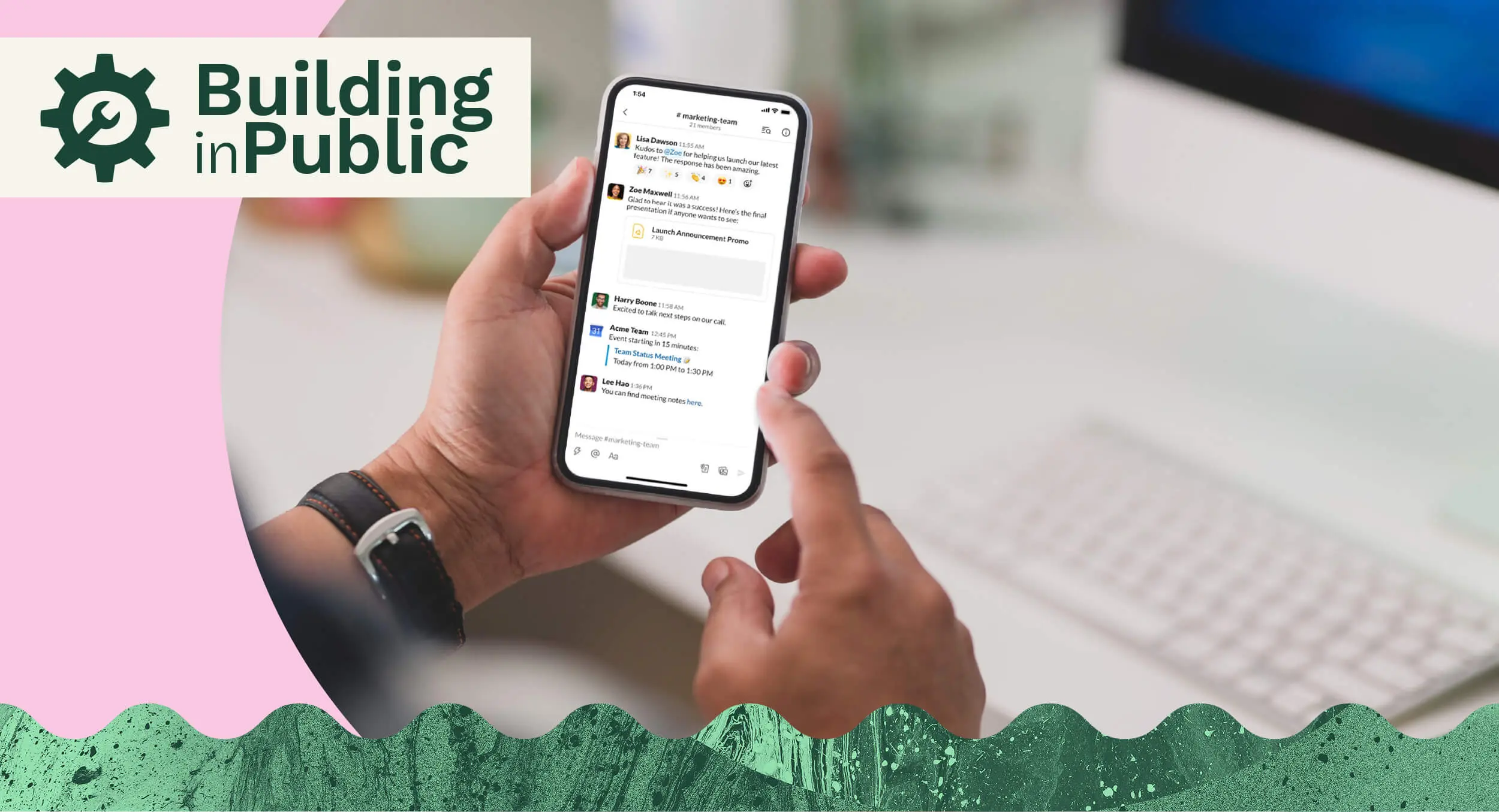


Most people in a modern workplace are no strangers to using Slack as a primary method of communication. And that’s for good reason: it’s fast, easy, and effective. That is, until it isn’t.
As much as Slack can be a convenient way to quickly communicate with your colleagues (near or far), it can just as quickly become a hindrance, and even a source of stress.
At Oyster, we rely on Slack a lot as an asynchronous way of communicating with team members. But something happened once our team hit 100 employees: our Slack communication broke. This has been a major focus area for our team this past quarter, and I want to share what happened and how we’ve been working to fix it.
How our team uses Slack
At Oyster, we have four types of Slack channels:
- Teams channels: Separate channels for each team or department (ie: #team-marketing and #team-sales). These channels include everyone in that department, as well as sometimes additional folks from other teams for visibility purposes.
- Social channels: This is where non-work-related conversations happen—where people share photos of their pets, or chat about things like food or fitness.
- Core channels: Our core channels are reserved for company-wide news and includes #core-announcements and #core-sharing.
- Project channels: We create these types of channels to communicate about projects we have on the go and invite all stakeholders for visibility. This are archived after the project is completed.
The main thing that makes Slack a little more complicated with remote teams is that everything goes through it. There’s no tapping someone on the shoulder to ask a question or make a comment—most of those conversations happen through Slack messages.
There’s a challenge that comes along with that on distributed teams though, and that’s volume. If Slack is the main place where conversations are happening, then the volume of messages can get really out of control. This problem is also directly tied to the size of your company. As you bring on more and more team members, there needs to be a structured way for people to find the information that’s relevant to them rather than just sending messages on Slack.
This can be the dark side of adopting the motto of "radical transparency.” It's great to be transparent so everyone can be in the loop, as long as there's a way for people to filter out what isn't relevant to them at the same time. Transparency and relevancy is the goal, not transparency alone.
To accomplish this, we’ve found it important to really define a use case for Slack at Oyster:
- Short communications only: Save the long discussions for a collaborative Google doc, a Loom video, or a Zoom call.
- No big decisions: Slack isn’t a great place to be making decisions. It’s hard to keep track of the outcome for future reference. Ironically, it's also difficult to ensure the relevant people that need to be involved have seen and acknowledged the decision being made. If you're making decisions in a channel with 50 people in it and there are 10 people you need to have acknowledged the decision, that's almost impossible in Slack. Big decisions need to be made in a place separate from where business-as-usual discussions are happening. However, this creates problems with exclusivity.
- No knowledge creation: Slack shouldn’t be a place where knowledge is stored. It’s difficult to extract the information and because it’s not built for that purpose, it can be hard to find again. For this reason, Slack could be likened to a black hole—information goes in, but nothing comes out.
- No project management: It shouldn't be the primary place we’re sharing updates or discussions about active projects—that should be done using Asana or Zendesk.
What changed when we hit 100 employees
As I mentioned before, message volume can become an issue as your company grows. And we certainly saw the shift happen once we hit 100 employees who were all using Slack as a core method of communication at Oyster.
Message volume actually grows exponentially as the company grows. It's not the case that one new person results in a fixed number of new messages per day—say 100. Because those 100 messages necessitate responses, also from other new joiners who are adding their 100 new messages per day, which also necessitate responses. Therefore, you end up with exponentially more messages.
Slack was also where a lot of customer-related communication happened, and it became more and more difficult to manage as our number of employees and number of customers both increased. Lastly, people were leaning on Slack to talk to each other about everything, and it became a very distracting place. Important messages were getting lost and we weren’t getting the same level of engagement on updates that were truly important.
Because of these three main issues, we knew something had to change. Though it was unanimous across the company, our customer-facing teams were feeling the strain the most. Most of our knowledge and project management was living in Slack where it wasn’t meant to, so our remote operations team led the charge in resolving the “broken” ways we were using Slack to communicate.

What’s working for us now
After really taking the time to think about how we’re using Slack and how we can move towards change, these are some of the things we’ve found that work for us as a fully distributed team:
- Post publicly as much as possible for visibility. In a remote environment, there’s no overhearing your colleagues’ discussions at their desks. Public channels are the best way to give everyone insight into what’s going on with their team.
- Create “ask” channels. These Q&A channels are where people from other departments can ask questions to a specific team (ie: #ask-engineering).
- Use emojis. They might seem silly, but they’re basically your facial expressions and body language proxy.
- Always thread responses. It keeps a conversation organized so that anyone interested can click into it and follow, and also limits the number of notifications that everyone else gets.
- Don’t type up massive messages covering multiple topics. It makes threading hard. Instead, send a separate message for different points.
- Use @channel or @here mentioning people or teams sparingly to limit notifications.
- Create user groups so you can accurately @ groups of people when necessary.
- Review Slack analytics. It gives good insight into how Slack is being used (e.g. public versus private chats, top channel volume, top individual volume, etc.)
One solution we have in place for when people don’t follow these best practices is an automatic Slackbot that pops up and prompts people to use a thread, or reminds them about using inclusive language.
To train new employees on these best practices, we’ve created an in-depth training module in our onboarding program, which includes how we use Slack at Oyster.
One thing we do at Oyster that may be different from other companies is how we use emoji reactions. For us, reacting with the eyes emoji means you’re looking into something and the checkered flag means something is finished.

Fun things happen in our Slack instance too, and I’d be remiss if I didn’t mention the Friday blob parties that happen in our #core-morning channel every week. When Oyster employees log on for the day, they send a good morning message to let everyone know they’re online. This helps on a distributed team when working across timezones. Our Friday morning messages are always the most creative!

Some integrations we’ve begun using that help us work more effectively as a distributed team using Slack include:
- Clockwise for calendar assistance
- Asana for creating tasks
- Zendesk to create tickets
- Notion which we use for internal knowledge sharing
- Donut for socializing
The future of using Slack at Oyster
Other than the tools mentioned earlier, we’re also in the process of building out workforce behavior analytics in Looker with our data team, taking usage data from all the major tools we use (Google Calendar, Zoom, Asana, etc.) to get a better understanding of how our team is using them. We’ve also recently hired a new Remote Operations Manager who will be a point person for monitoring Slack usage and will have a pulse on whether things are getting out of control.
It’s important for us to acknowledge that making Slack more organized and structured is only a short-term solution. The real solution is doing that, and also moving a lot of conversations out of Slack and into tools like Asana and Zendesk.
I do suspect that as our team grows, it will be increasingly difficult for a much larger team to use Slack in the way we once were. So it’s extremely important for us to lay the groundwork now to help manage the workloads and wellbeing of Oyster employees. Slack is intended to make communication simpler, and we don’t want it to be creating more work and stress instead.
If you’re also spearheading communication management at your organization, my biggest piece of advice would be to implement other tools for project management and ticketing as early as you can. This will help mitigate a Slack communication breakdown and set your team up for success as early as possible.
Interested to learn more about how we’re building a distributed team at Oyster? Check out the latest in our Building in Public series where we share the challenges of hiring diverse talent.
About Oyster
Oyster is a global employment platform designed to enable visionary HR leaders to find, hire, pay, manage, develop and take care of a thriving global workforce. It lets growing companies give valued international team members the experience they deserve, without the usual headaches and expense.
Oyster enables hiring anywhere in the world with reliable, compliant payroll, and great local benefits and perks.